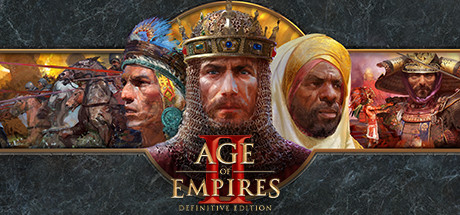
Age of Empires II: Definitive Edition
Age of Empires II: Definitive Edition
42 Civilizations, 229 Campaign Missions, Singleplayer, Co-Op, Multiplayer, In-Game Editor, Mods, Cross-play...It is good to be the king.
Tweaks & Tricks
- To address this issue, try changing workspaces.
- This action often helps in eliminating the black screen faster.
- Add the following to your launch options:
%command%.
- Add the following to your launch options:
Custom Proton: GE-Proton10-28 %command%.
Verdict
Age of Empires II: Definitive Edition
As a seasoned gamer, you’ll appreciate the meticulous care taken in remastering this classic RTS. The Definitive Edition offers stunning 4K graphics, improved audio, and new features like custom games and cooperative multiplayer. With four campaigns spanning over 350 years of history, there’s plenty to explore.
However, be aware that while the game looks and sounds fantastic, some modern gamers might find the gameplay mechanics outdated compared to newer RTS titles. The learning curve can also be steep for beginners due to the depth and complexity of the game.
Buy/Avoid: If you’re a fan of classic strategy games or looking for an immersive historical experience with deep gameplay, buy Age of Empires II: Definitive Edition. But if you prefer more streamlined, modern RTS mechanics, avoid.