Bellwright
Bellwright
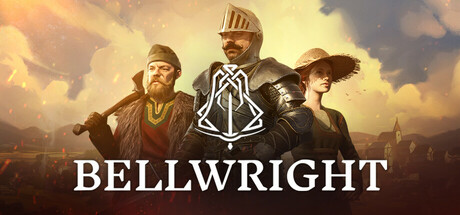
Establish and expand your own settlements, liberate the land and assist its villagers, and recruit others to your cause while learning more about a life you had to leave behind. Command your forces, prove your valor through combat, and cement yourself as the hero of your people.
Tweaks & Tricks
- Add the following to your launch options:
-skipintro %command%
- Add the following to your launch options:
-swapfile=16384 -zram - Set TSR to low.
- In-game fps cap to 144.
- Set Global Illumination quality, view distance, post processing to medium.
- Use Screen Space for Global Illumination method.
- All other settings should be on low.
- Cap Steam FPS at 30.
- Add the following to your launch options:
force_vk_vendor=-1 %command% -d3d12
Verdict
Bellwright (English)
Tier: Gold
As a professional editor, I’d say:
“Bellwright is an impressive, story-driven adventure game set in a steampunk world. With its rich narrative, engaging characters, and intricate puzzles, it offers a captivating experience for fans of the genre. The game’s unique art style and atmospheric soundtrack further enhance its immersive qualities.
However, some players might find the pacing slow at times, which could be a turn-off for those seeking fast-paced action. Additionally, while the story is compelling, it can be quite dark and heavy, which may not appeal to everyone.
In conclusion, if you’re a fan of narrative-driven games with a steampunk setting, Bellwright is a must-play. But if you prefer faster-paced gameplay or lighter narratives, you might want to avoid this one.”
Buy/Avoid: Buy