Diablo® IV
Diablo® IV
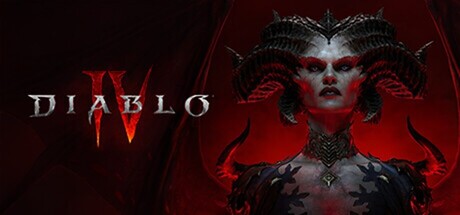
Join the fight for Sanctuary in Diablo® IV, the ultimate action RPG adventure. Experience the critically acclaimed campaign and new seasonal content.
Tweaks & Tricks
- Add the following to your launch options:
maxShareMemory=10240 - Set a different value for
maxShareMemorythanDeviceMemory.
Verdict
Diablo® IV
As a Platinum-tier gamer, you’ll find Diablo® IV an exceptional experience that masterfully blends classic ARPG mechanics with modern gaming standards. The game offers a vast open world filled with diverse regions, challenging dungeons, and hordes of demonic foes to vanquish.
The combat in Diablo® IV is satisfyingly brutal yet precise, with each class offering unique playstyles that cater to different preferences. From the melee-focused Barbarian to the ranged-happy Rogue, there’s plenty of depth to explore as you customize your character through skill trees and gear upgrades.
One standout feature is the game’s stunning visuals, which push the boundaries of what’s possible in an ARPG. The attention to detail in both environments and character models is nothing short of breathtaking. Paired with a captivating soundtrack and immersive sound design, Diablo® IV delivers an audiovisual experience that’s hard to match.
However, be prepared for a steep learning curve if you’re new to the genre or series. The game expects players to understand its complex systems and mechanics, which can feel overwhelming at first. Additionally, while the story is engaging, it may not captivate you as much as the thrill of combat and exploration.
In conclusion, Diablo® IV is a must-play for ARPG enthusiasts seeking an immersive, challenging, and visually stunning experience. If you’re new to the genre or prefer more accessible games, consider starting with something else before diving into this gem.
Buy.