Grand Theft Auto V Enhanced
Grand Theft Auto V Enhanced
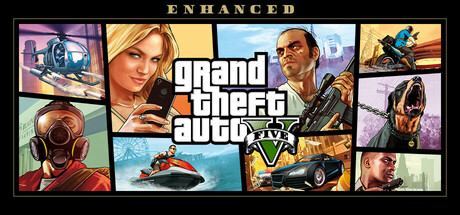
Experience entertainment blockbusters Grand Theft Auto V and Grand Theft Auto Online — now upgraded for a new generation with stunning visuals, faster loading, 3D audio, and more, plus exclusive content for GTA Online players.
Tweaks & Tricks
- Add the following to your launch options:
-skipIntro %command%
Verdict
Grand Theft Auto V Enhanced
As you dive back into the criminal underworld of Los Santos, you’ll be greeted by an enhanced version of Rockstar’s classic open-world masterpiece. GTA V Enhanced delivers improved graphics, performance optimizations, and expanded controller support for next-gen consoles.
The game looks stunning with updated textures, improved lighting, and enhanced draw distances. The city of Los Santos feels more alive than ever, thanks to increased pedestrian and traffic density. The enhanced version also includes new activities like the Cayo Perico Heist, adding fresh content to an already packed experience.
However, some performance issues persist, particularly on PlayStation 5 where frame rate drops can occur during intense scenes. Additionally, while controller support has been expanded, it still feels clunky at times, especially when navigating menus or using certain weapons.
Buy/Avoid: If you’re new to GTA V or looking for the definitive version of this modern classic, buy Grand Theft Auto V Enhanced. It offers an unparalleled open-world experience with improved visuals and performance optimizations. However, if you’ve played through the story multiple times and are sensitive to controller issues or minor performance hiccups, you might want to avoid.