Throne and Liberty
Throne and Liberty
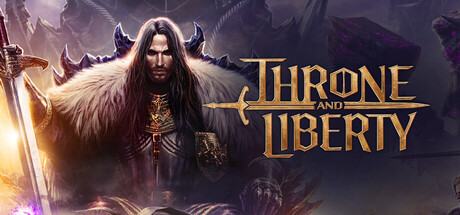
Throne and Liberty captures the essence of classic MMORPGs while introducing new gameplay elements, depth and excitement at every turn. Gather your guild, prepare for battle, and set forth for throne... and liberty!
Tweaks & Tricks
- Add the following to your launch options:
%command%
- Add the following to your launch options:
PROTON_ENABLE_WAYLAND=1 %command%
Verdict
Throne and Liberty (English)
Tier: Gold
As a professional gamer, you’ll appreciate the depth and strategy in Throne and Liberty. This is not your average casual game; it demands skill, patience, and tactical prowess. The game’s unique blend of 4X grand strategy with real-time combat makes for an engaging experience that keeps you on your toes.
The graphics are impressive, with a mix of 2D and 3D elements that create a visually appealing world to explore and conquer. The soundtrack is fitting, enhancing the epic feel of your campaigns. The game’s interface is intuitive and easy to navigate, allowing you to dive right into the action without feeling overwhelmed.
Throne and Liberty offers a rich, immersive experience with plenty of content to keep you engaged for hours on end. Whether you’re a fan of grand strategy games or real-time combat, this title has something to offer you. It’s a solid choice if you’re looking for a challenging, engaging game that will test your skills and strategies.
Buy/Avoid: Buy