Warframe
Warframe
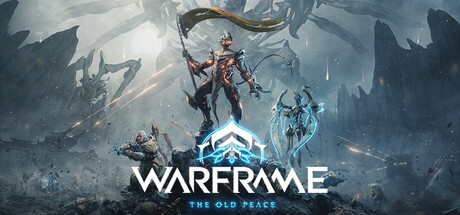
Awaken as an unstoppable warrior and battle alongside your friends in this story-driven free-to-play online action game
Tweaks & Tricks
- Add the following to your launch options:
PROTON_USE_WINED3D11=1 %command% -skipIntro
- Add the following to your launch options:
-windowed -nolauncher
Verdict
Warframe
Gold Tier
Warframe is an exceptional free-to-play action RPG that sets the bar high for what can be achieved in this genre without charging players a penny upfront. With its fast-paced, fluid combat system and vast open world to explore, it’s easy to get lost in the intricate lore and endless customization options.
The game’s unique art style is both striking and functional, making it stand out among other shooters. The soundtrack, composed by award-winning artist Keith Power, complements the gameplay perfectly, immersing you in the action from start to finish.
Warframe’s community is one of its strongest assets. With millions of players worldwide, there’s always someone ready to lend a hand or join your mission. The game encourages cooperation and teamwork, making it an excellent choice for both solo players and squads alike.
However, Warframe isn’t without its flaws. The learning curve can be steep at times, with complex mechanics that may overwhelm new players. Additionally, some grind-heavy aspects might turn off those looking for a more casual experience.
In conclusion, if you’re after an intense, engaging action RPG experience with endless replayability and a thriving community, Warframe is a must-play. Buy.